PyTorch Data-loader
Dealing with data in Pytorch
Overview
- Code for processing data samples can get messy and hard to maintain.
- We ideally want our dataset code to be decoupled from our model training code for better readability and modularity.
- PyTorch provides two data primitives:
torch.utils.data.Dataset: stores the samples and their corresponding labelstorch.utils.data.DataLoader: wraps an iterable around theDatasetto enable easy access to the samples.
Source: click here
Getting data
- The two most common ways to get data in PyTorch are the following;
- Use built-in datasets: PyTorch provides MANY built-in dataset objects
- Build your own: You can also build your own using various PyTorch utility functions
- i.e. You can create your own datasets using the provided base classes.
- All datasets are subclasses of torch.utils.data.Dataset
- i.e. they have getitem and len methods implemented.
- Datasets objects can be passed to a torch.utils.data.DataLoader
- This accelerates computation because pytorch can then load multiple samples in parallel using torch.multiprocessing workers.
- All the datasets have very similar APIs.
- They all have two common function arguments:
- transform: transform the input features X
- target_transform: transform the output targets Y
- The exact function of these transforms depends on the data
- i.e. For MNIST-fashion
- tranform: A function/transform that takes in an PIL image and returns a transformed version
- i.e. For MNIST-fashion
- They all have two common function arguments:
Source: click here
Built-in datasets
Image classification
Caltech101 Caltech 101 Dataset. Caltech256 Caltech 256 Dataset.
CelebA
Large-scale CelebFaces Attributes (CelebA) Dataset Dataset.
CIFAR10
CIFAR10 Dataset.
CIFAR100
CIFAR100 Dataset.
Country211( The Country211 Data Set from OpenAI.
DTD
Describable Textures Dataset (DTD).
EMNIST
EMNIST Dataset.
EuroSAT
RGB version of the EuroSAT Dataset.
FakeData
A fake dataset that returns randomly generated images and returns them as PIL images
FashionMNIST(root, train, transform, …)
Fashion-MNIST Dataset.
Image detection or segmentation
CocoDetection
MS Coco Detection Dataset.
CelebA
Large-scale CelebFaces Attributes (CelebA) Dataset Dataset.
Cityscapes
Cityscapes Dataset.
GTSRB
German Traffic Sign Recognition Benchmark (GTSRB) Dataset.
Kitti
KITTI Dataset.
OxfordIIITPet
Oxford-IIIT Pet Dataset.
SBDataset
Semantic Boundaries Dataset
Optical Flow
FlyingChairs
FlyingChairs Dataset for optical flow.
FlyingThings3D
FlyingThings3D dataset for optical flow.
HD1K
HD1K dataset for optical flow.
KittiFlow
KITTI dataset for optical flow (2015).
Sintel
Sintel Dataset for optical flow.
Image pairs
LFWPairs
LFW Dataset.
PhotoTour
Multi-view Stereo Correspondence Dataset.
Image captioning
CocoCaptions
MS Coco Captions Dataset.
Video classification
HMDB51
HMDB51 dataset.
Kinetics(root, frames_per_clip, num_classes, …)
Generic Kinetics dataset
Kinetics400(root, frames_per_clip, …)
Kinetics-400 dataset.
UCF101(root, annotation_path, …)
UCF101 dataset.
Source: click here
Dataset Object: FashionMNIST
- The following is an example of how to load the Fashion-MNIST dataset from TorchVision.
- Fashion-MNIST is a dataset of 60,000 training examples and 10,000 test examples.
- Each example comprises a 28×28 grayscale image and an associated label from one of 10 classes.
- torchvision.datasets.FashionMNIST(root: str, train: bool = True, transform: Optional[Callable] = None, target_transform: Optional[Callable] = None, download: bool = False)
- root (string) – Root directory of dataset where FashionMNIST/raw/train-images-idx3-ubyte and FashionMNIST/raw/t10k-images-idx3-ubyte exist.
- train (bool, optional) – If True, creates dataset from train-images-idx3-ubyte, otherwise from t10k-images-idx3-ubyte.
- download (bool, optional) – If True, downloads the dataset from the internet and puts it in root directory. If dataset is already downloaded, it is not downloaded again.
- transform (callable, optional) – A function/transform that takes in an PIL image and returns a transformed version. E.g, transforms.RandomCrop
- target_transform (callable, optional) – A function/transform that takes in the target and transforms it.
Source: click here
Import packages
The
torchvision.datasetsmodule contains Dataset objects for many real-world vision data like CIFAR, COCOIn this tutorial, we use the FashionMNIST dataset.
Every TorchVision Dataset includes two arguments: transform and target_transform to modify the samples and labels respectively.
Load data
- First we will start by loading the data with data-augmentation
Code
# # CIFAR10
# # # # Download training data from open datasets.
# training_data = torchvision.datasets.CIFAR10(
#     root="data",
#     train=True,
#     download=True,
#     transform=transform,
# )

# # # Download test data from open datasets.
# test_data = torchvision.datasets.CIFAR10(
#     root="data",
#     train=False,
#     download=True,
#     transform=transform,
# )
Code
# MNIST FASHION
# Download training data from open datasets.
training_data = torchvision.datasets.FashionMNIST(
    root="data",
    train=True,
    download=True,
    transform=transform,
)

# Download test data from open datasets.
test_data = torchvision.datasets.FashionMNIST(
    root="data",
    train=False,
    download=True,
    transform=transform,
)
Explore torch data-set object
Code
print("\n TYPE:\n",type(training_data))
print("\n SUMMARY:\n",training_data)
print("\n ATTRIBUTES:\n",training_data.__dict__.keys())
print("\n SHAPE:\n",training_data.data.shape)
print("\n FIRST DATA POINT:\n",training_data.data.shape)
img, label = training_data[0]
print(img.shape,label)
print(len(training_data))
 TYPE:
 <class 'torchvision.datasets.mnist.FashionMNIST'>

 SUMMARY:
 Dataset FashionMNIST
    Number of datapoints: 60000
    Root location: data
    Split: Train
    StandardTransform
Transform: Compose(
               RandomRotation(degrees=[-20.0, 20.0], interpolation=nearest, expand=False, fill=0)
               ToTensor()
           )

 ATTRIBUTES:
 dict_keys(['root', 'transform', 'target_transform', 'transforms', 'train', 'data', 'targets'])

 SHAPE:
 torch.Size([60000, 28, 28])

 FIRST DATA POINT:
 torch.Size([60000, 28, 28])
torch.Size([1, 28, 28]) 9
60000
Data-loader
- Pass the Dataset as an argument to DataLoader.
- This wraps an iterable over our dataset
- The dataloader supports automatic batching, sampling, shuffling and multi-process data loading.
- Here we define a batch size of 64, i.e. each element in the dataloader iterable will return a batch of 64 features and labels.
Visualize-1
Code
Feature batch shape: torch.Size([64, 1, 28, 28])
Labels batch shape: torch.Size([64])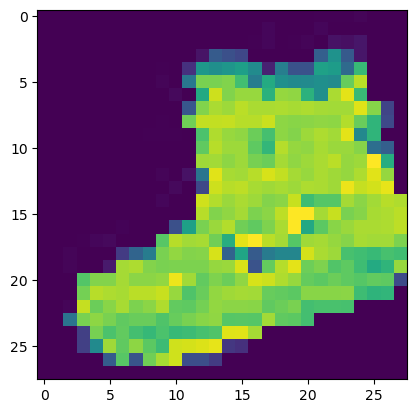
Label: 9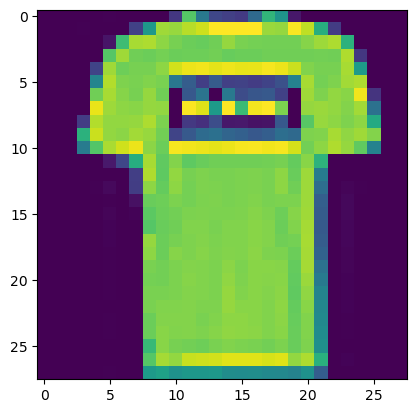
Label: 0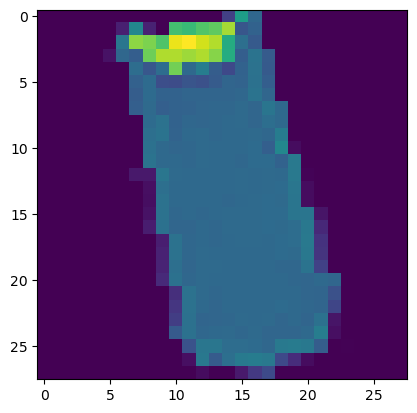
Label: 0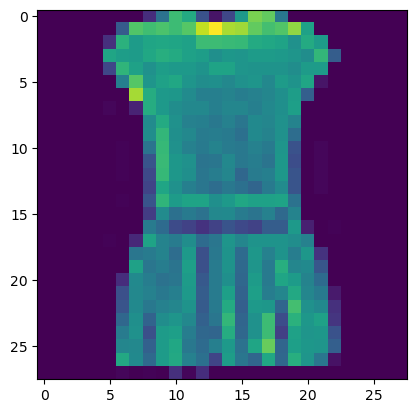
Label: 3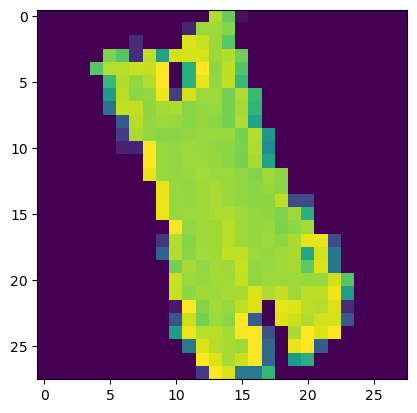
Label: 0Custom datasets
You can also create your own datasets using the provided base classes.
Base Classes
- DatasetFolder: A generic data loader.
- ImageFolder: A generic data loader where the images are arranged in a particular data way by default
- VisionDataset: Base Class For making datasets which are compatible with torchvision.
Source: click here
Code
# DATA AUGMENTATION
transform=torchvision.transforms.Compose([
    # AUTO AUGMENT
    torchvision.transforms.AutoAugment(fill=0),
    torchvision.transforms.ToTensor(),

    # MANUAL DATA-AUGMENT WITH ROTATION
    # torchvision.transforms.RandomRotation((-20,20), expand=False,fill=0),
    # torchvision.transforms.ToTensor(),
])


training_data=torchvision.datasets.ImageFolder("./butterflies/train/",transform=transform)
Explore
Code
 TYPE:
 <class 'torchvision.datasets.folder.ImageFolder'>

 SUMMARY:
 Dataset ImageFolder
    Number of datapoints: 338
    Root location: ./butterflies/train/
    StandardTransform
Transform: Compose(
               AutoAugment(policy=AutoAugmentPolicy.IMAGENET, fill=0)
               ToTensor()
           )

 ATTRIBUTES:
 dict_keys(['root', 'transform', 'target_transform', 'transforms', 'loader', 'extensions', 'classes', 'class_to_idx', 'samples', 'targets', 'imgs'])

 FIRST DATA POINT:

torch.Size([3, 224, 224]) 0
338
Visualize
Code
Feature batch shape: torch.Size([32, 3, 224, 224])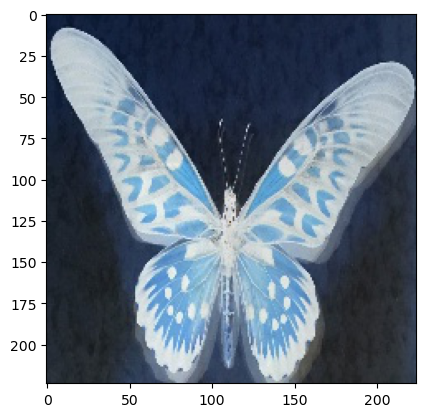
Label: 1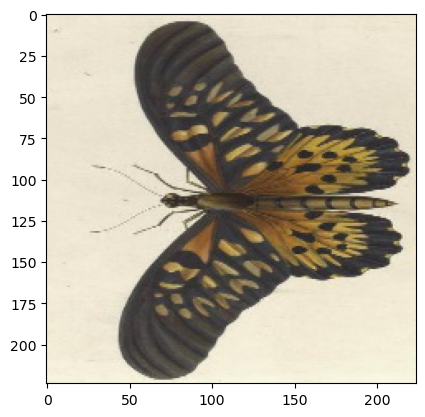
Label: 1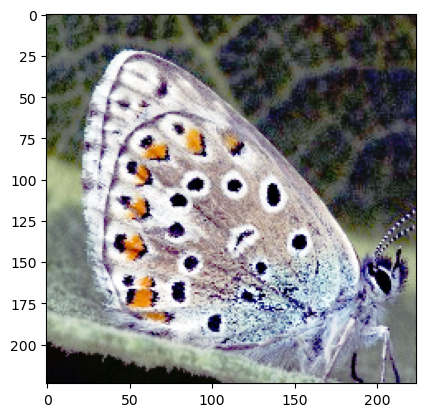
Label: 0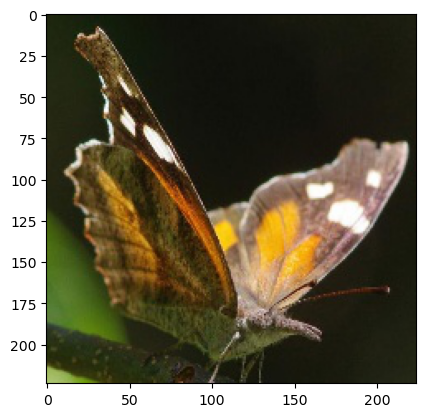
Label: 2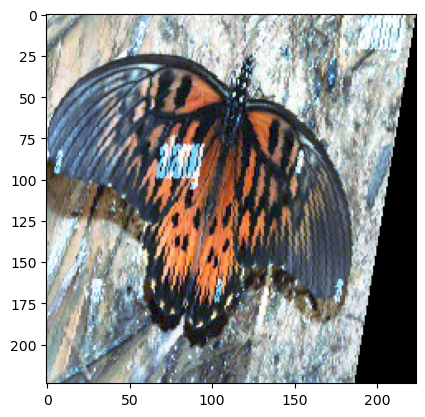
Label: 1